What are Elements?
Your shop as individual building blocks for your own website, with no design of their own. Your CSS decides how everything looks.
Elements are building blocks for your own website: event list, calendar, cover image, description, sponsors, ticket selection, seat map and the whole checkout. Each block only pulls the data from TickySmart and brings no design. Your own CSS decides how everything looks.
You place tags on your page and the right content appears there. Buyers stay on your website the whole time, even while paying.
<script src="https://embed.tickysmart.io/elements/v1.js" data-key="ts_pk_live_…" defer></script>

<ts-event slug="summer-fest">
  <h1><ts-event-title></ts-event-title></h1>
  <ts-event-cover></ts-event-cover>
  <ts-event-description></ts-event-description>
  <ts-ticket-selector></ts-ticket-selector>
  <ts-event-sponsors></ts-event-sponsors>
</ts-event>
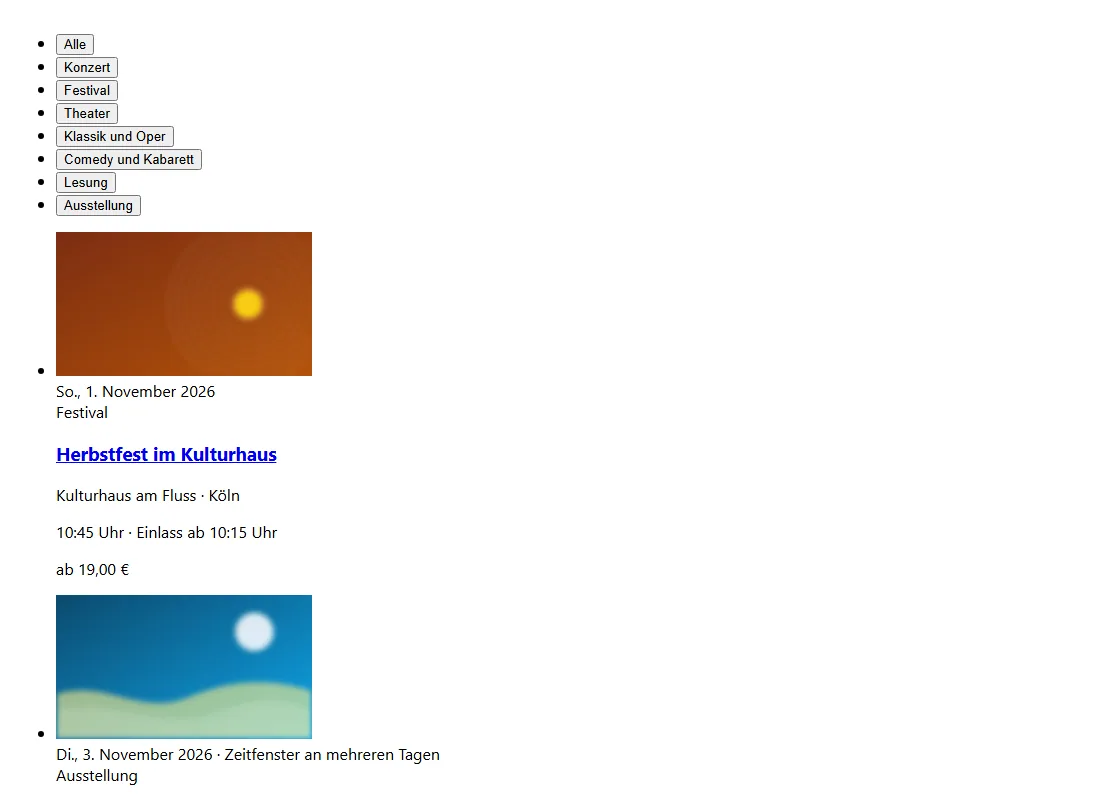
This is what blocks look like with no CSS at all:
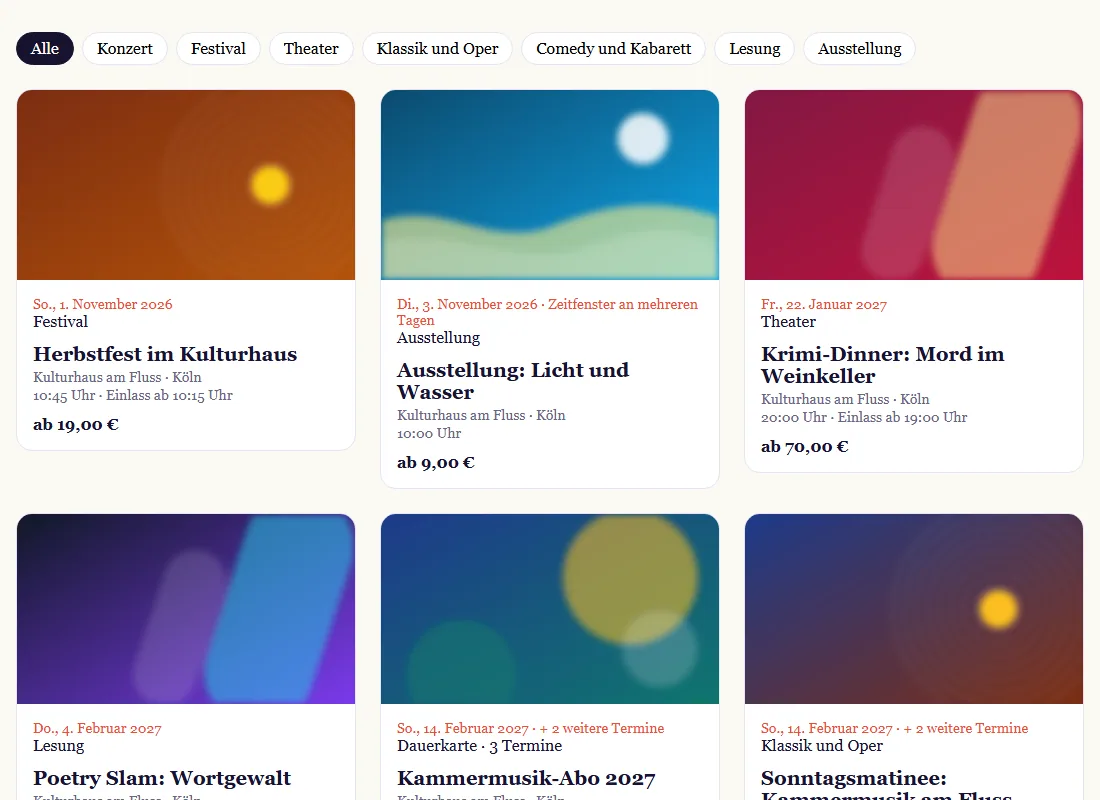
And these are the same blocks with a few lines of your own CSS:
What you can do
Everything your shop can do also works with Elements:
- Events: list, monthly calendar, category filter, every part of the event page on its own
- Tickets: dates and time slots, price tiers, add-on tickets, extras, discount codes, secret tickets, seat map, waiting room, waitlist, season tickets
- Checkout: buyer details, names on tickets, invoice, age limit, newsletter, redeeming vouchers and all your shop's payment methods
- After buying: tickets with QR code, PDF, Apple and Google Wallet, changing names, photo, resale, cancellation
- Around the shop: buying vouchers, My tickets, imprint and legal texts, sponsors, contact, language choice
The full list is under All blocks.
Which way suits you?
| Way | Where do buyers buy? | How far can you change the look? | Effort |
|---|---|---|---|
| Shop | In your shop | Colour, logo, font | None |
| Widget | Selection on your website, checkout in a new tab | Colour, light or dark | Copy a snippet |
| Elements | On your website the whole time | Everything except the card fields | Some HTML and CSS |
| Public API | Not meant for buyers | Doesn't apply | Your own programs for managing things |
What you can't style yourself
For security reasons, card numbers may only go into the payment provider's fields. These fields sit in a frame of their own. Your CSS doesn't reach it, but you can set colours and fonts: Checkout and payment. Some providers send buyers to their own page to pay and then back to your website.
Common questions
Do I need to know how to code?
You need HTML and CSS, but no JavaScript. If you want to control the flow yourself, it's all under JavaScript and events.
What does it cost?
Elements are included in every plan at no extra charge. Orders through them have the same fees as in the shop.
Does my shop go away?
No. Your shop stays available at its address. Links in emails, for example to an order or the waitlist, keep leading there.
Does it work in WordPress, Webflow or Typo3?
Yes, anywhere you can add your own HTML and a script. The blocks also work like normal HTML tags in React, Vue or Next.js.