Share your shop
Where to find your ticket shop's address, how to share it and how to embed it on your website.
Every workspace has its own ticket shop. Its address is shop.tickysmart.io plus your short name, for example shop.tickysmart.io/kulturhaus-am-fluss. It lists all your published events, and each event also has a page of its own.
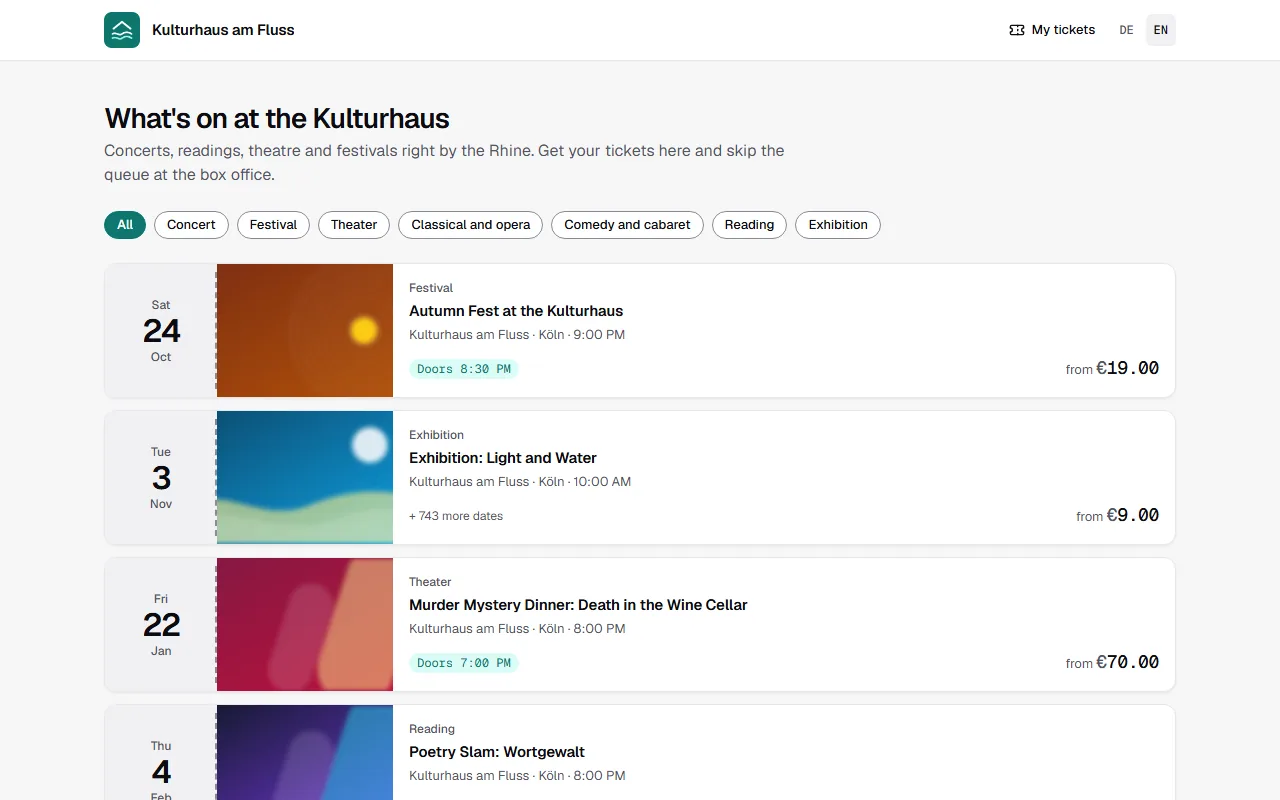
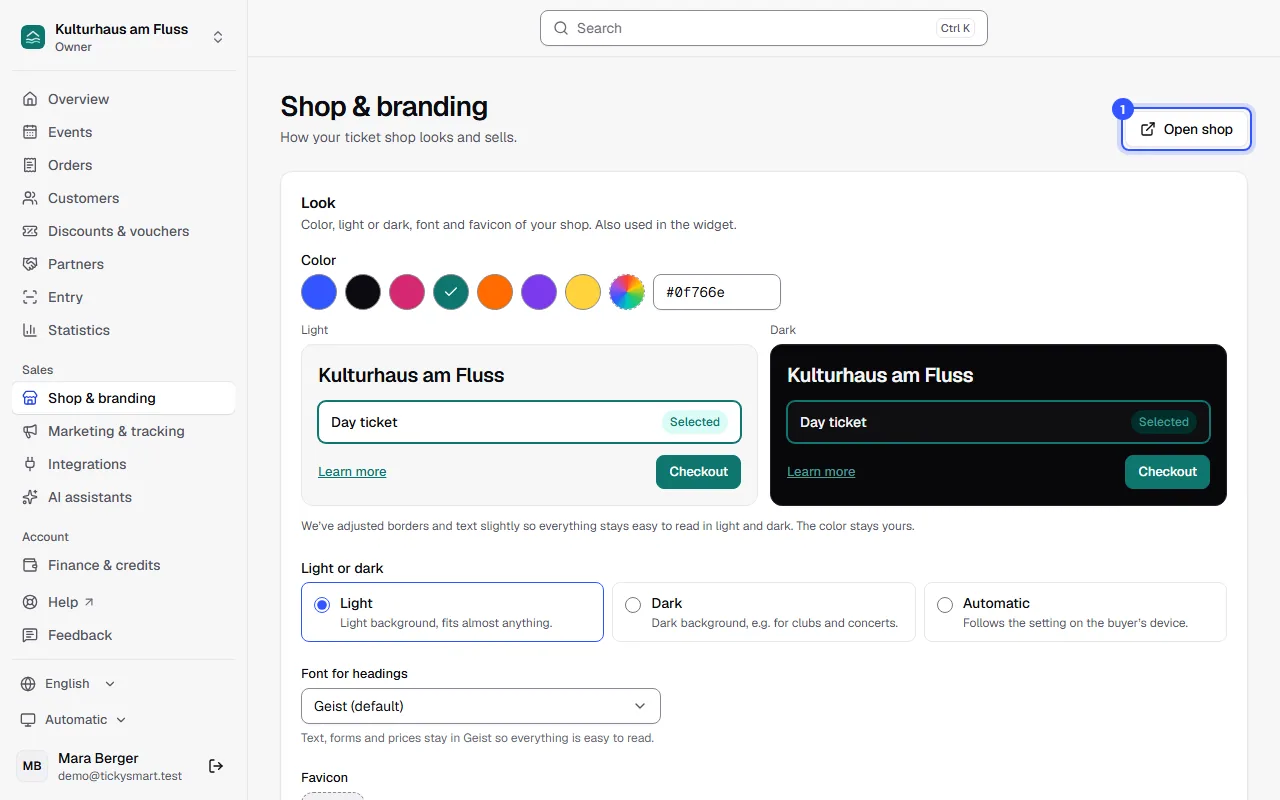
Find the address
- Whole shop: Open Shop & branding and click Open shop. The shop opens in a new tab; copy the address from the address bar.
- A single event: Open the event and click View in shop.
Share the link wherever your guests find you: on your website, on social media, in your newsletter or as a QR code on your poster. With your first sale, Share your shop link ticks itself off in the checklist.
Embed it on your website
On Shop & branding you'll find the Embed on your website section. It shows your events right on your website: visitors pick their tickets there and pay securely in a separate window.
Change the look
Also on Shop & branding, you choose the color, a light or dark background and the font for headings. Upload your logo under Settings → General. Buyers see the shop in their language if you've written your texts in it.
Common questions
Can I use my own address?
Yes, for example tickets.your-club.com. Set it up on Shop & branding in the Own domain section.
Can buyers see my drafts?
No. The shop only shows published events.