Settings
An overview of every area under Settings, plus your workspace's name, region, logo and languages.
Settings is where you set what applies to your whole workspace. Which areas you see there depends on your role. Most settings can only be changed by owners and admins; everyone else can only view them.
General: name, region and logo
- Open Settings. Switch between the areas at the top; General comes first.
- Under Logo, upload your logo: JPEG, PNG, WebP or AVIF up to 10 MB, and transparency is kept. It appears in your shop, in emails to your buyers and on the tickets.
- The Organizer name appears in the shop, in emails and on tickets.
- Country, Currency, Default shop language and Time zone set your region. The table below explains what each one does.
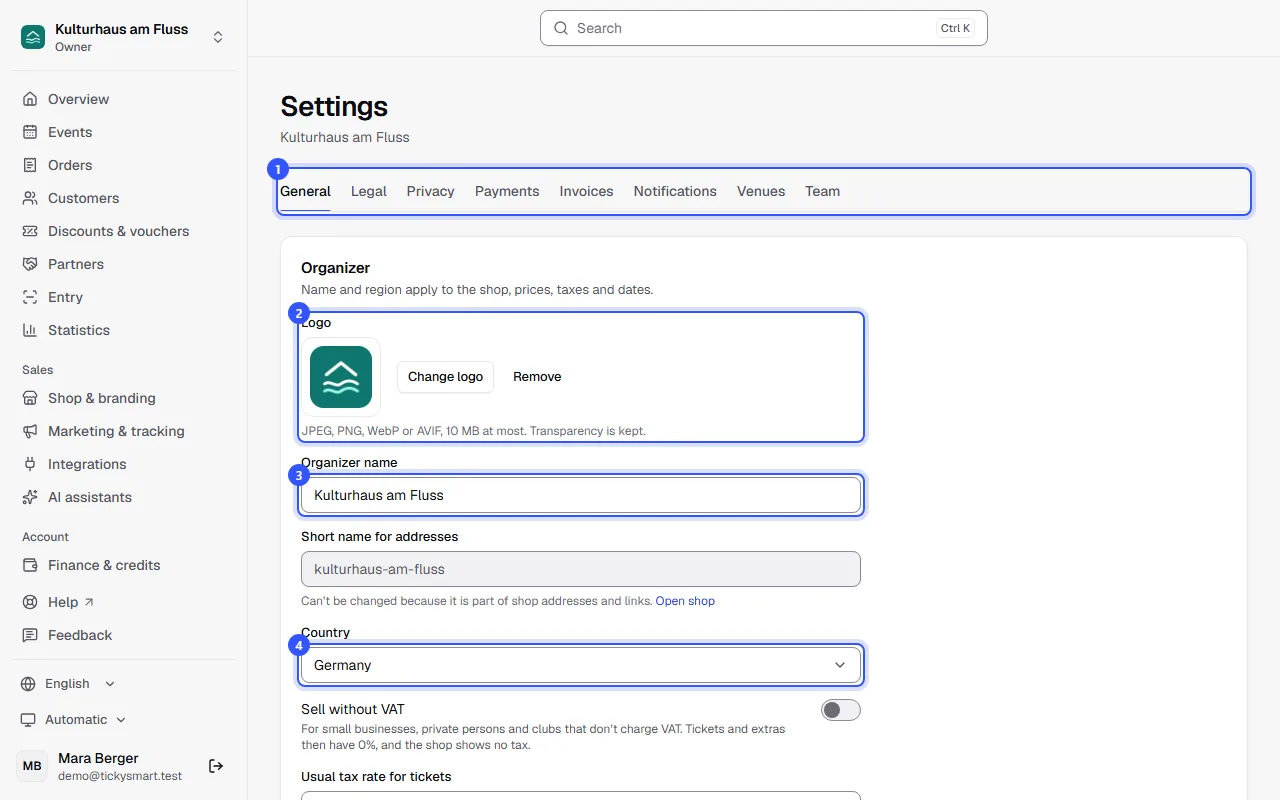
- Click Save changes. The logo is saved as soon as you upload it.
| Field | What it's used for |
|---|---|
| Short name for addresses | Part of your shop address. It can't be changed because it's in links you've already sent out. |
| Country | Tax rates, whether prices include or exclude tax, and which note on the right of withdrawal the shop shows |
| Sell without VAT | For small businesses, private persons and clubs that don't charge VAT: all tickets and extras at 0%, no tax in the shop. More in Selling without VAT. |
| Usual tax rate for tickets | New ticket types start with this rate, for example the reduced rate for concerts. Each ticket type can have its own. |
| Currency | Prices, vouchers and fees. It's fixed after the first sale. |
| Default shop language | Buyers see the shop in their browser language if you offer it, otherwise in this one. If a text is missing in a language, it appears in the default language. |
| Time zone | Statistics, reports and the daily summary use it. New events without a saved venue get this time zone, otherwise the venue's. |
Country and time zone apply to events you create afterwards. Existing events keep their time zone and whether their prices include tax. A new currency, on the other hand, applies to all events, because it can only be changed before the first sale.
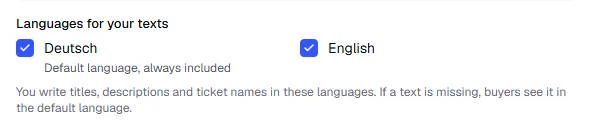
Languages for your texts
Further down, under Languages for your texts, you choose the languages you write titles, descriptions and ticket names in. The default language is always included. For each additional language, the text fields in the dashboard get their own language code. More under Languages.
Below that, under Images, you can upload, view and delete up to 24 photos, for example of the venue or past events. They don't appear in the shop yet. At the very bottom, the owner can delete the workspace.
All areas at a glance
| Area | What you set there | More |
|---|---|---|
| General | Logo, name, region, languages, images, deleting the workspace | This article |
| Legal | Seller details, terms of sale, privacy policy | Legal details |
| Privacy | How long buyer data is kept | Privacy |
| Payments | Payment accounts, payment methods and bank transfer | Payment accounts, Payment methods, Bank transfer |
| Notifications | Buyer reminder and emails to you | Notifications |
| Venues | Saved venues with address and seat maps | Venues |
| Team | Members, invitations and roles | Invite your team, Roles and permissions |
Some things that sound like settings have their own area in the sidebar:
| Area | What you set there | More |
|---|---|---|
| Shop & branding | Look, home page, custom domain and embedding on your website | Shop design |
| Marketing & tracking | Tracking pixels and your visitors' consent | Tracking and consent |
| Integrations | API keys and webhooks | Integrations |
| Finance & credits | Billing model, credits, prices and invoices | Billing |
| Your account | Profile, language, password, two-factor sign-in | Your account |
Common questions
Why can't I change anything?
Your role can only view these settings. In that case you'll see "Only owners and admins can change these settings." at the top. What each role can do is listed under Roles and permissions.
I picked the wrong country when I set up the workspace
Change it under General. It applies to events you create afterwards. For existing events, check the tax rates of the ticket types and adjust them if needed.
Can I change the currency?
Yes, as long as nothing has been sold or billed. Your events and billing then move with it. After that, the field is greyed out: Currencies.
Can I change my short name?
No. If you'd like your own address for your shop, such as tickets.your-website.com, set up a custom domain.