Your account
Profile, language, password and two-factor sign-in. These settings apply in every workspace.
Your account belongs to you and applies in every workspace you work in. Open it by clicking your name at the bottom left of the sidebar.
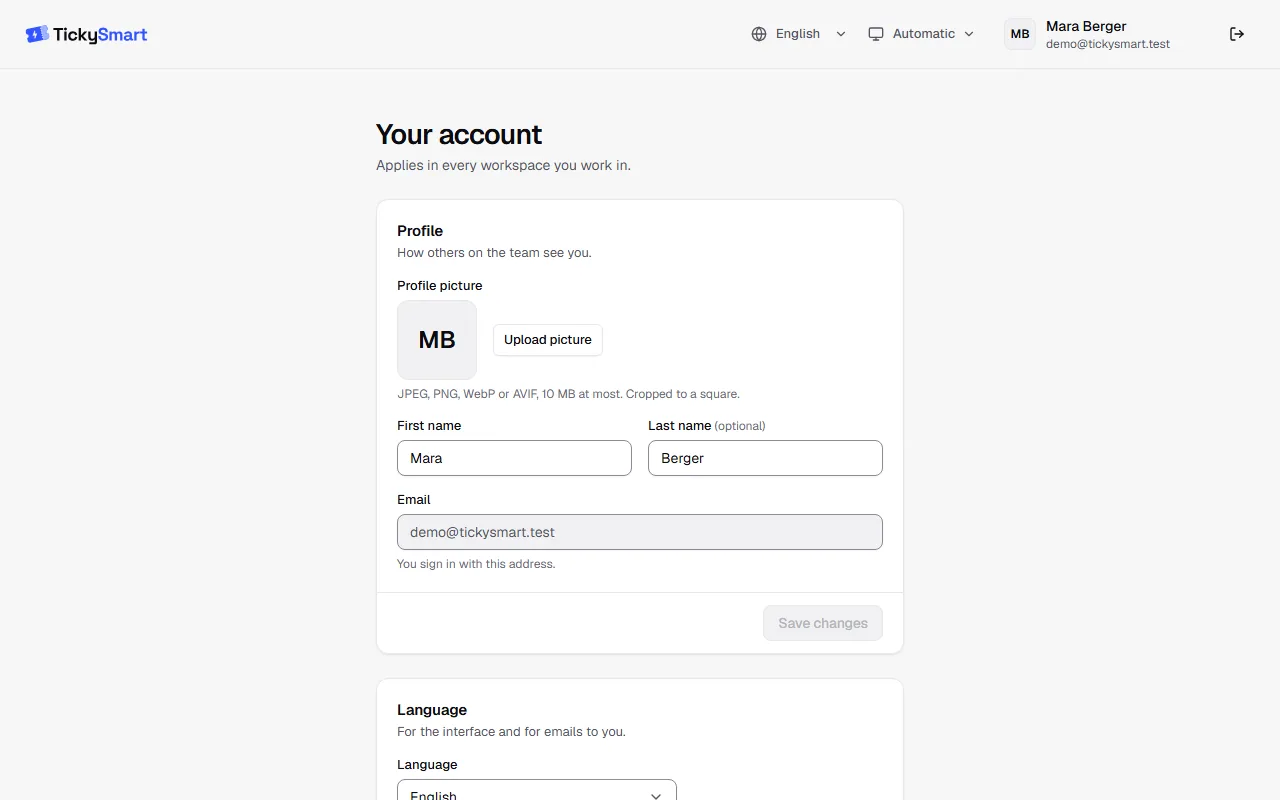
Profile
Upload a profile picture and change your first and last name here. This is how your team sees you, for example in the team list. Save with Save changes.
Your email address can't be changed, because you sign in with it.
Language and appearance
Under Language you choose the language for the dashboard and for emails to you. It's saved right away. Light, dark or automatic is set at the bottom of the sidebar.
Change your password
Under Password, enter your current password and the new one twice, with at least 10 characters. Click Change password. You're then signed out on your other devices and sign in there with the new password.
Forgot your password? Reset it by email on the sign-in page.
Two-factor sign-in
Protect your account with an extra code from an app: Two-factor sign-in.
Delete your account
At the very bottom of the page you can request your account's deletion. This only works once you no longer own any workspace: hand over ownership in the team first or delete the workspace. We only delete after 24 hours; until then you can cancel the deletion.